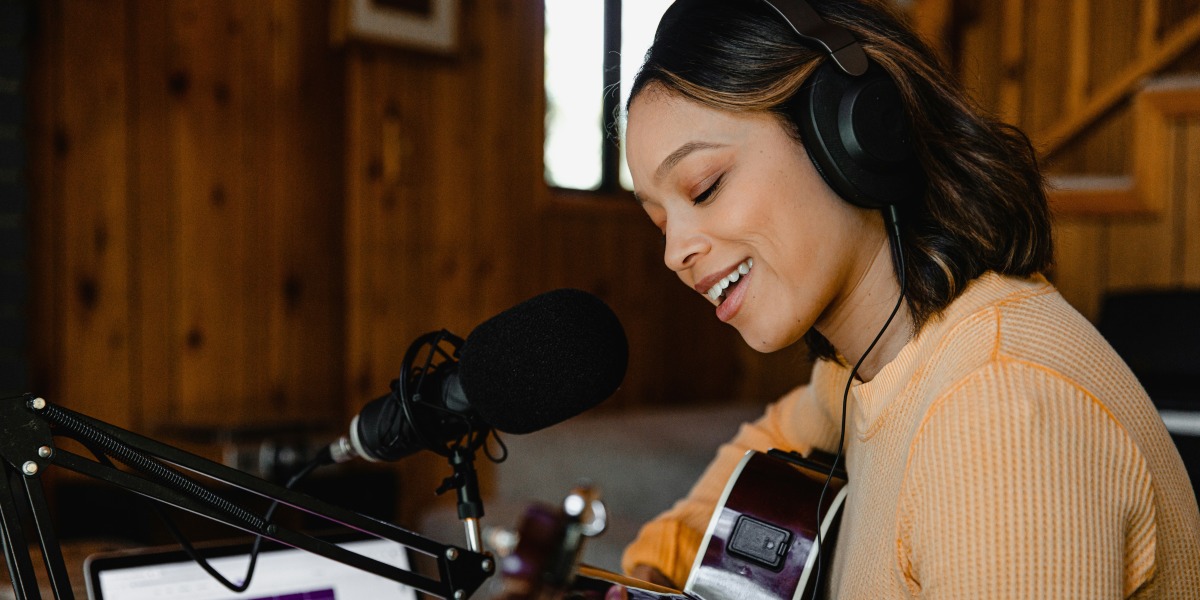
What’s Needed to Start Recording Vocals at Home
Recording vocals at home doesn’t require a full studio setup. With a few basic tools, beginners can capture clear vocal tracks suitable for demos, podcasts, or personal projects.
The most important item is a microphone. For entry-level use, a USB condenser microphone offers a simple plug-and-play option. These microphones connect directly to a computer and include built-in preamps. They’re designed to pick up vocal detail without needing extra equipment.
Another option is an XLR condenser microphone paired with an audio interface. The interface acts as a bridge between the microphone and the computer. It provides phantom power, which some microphones require, and converts analog signals into digital ones.
Headphones are also essential. Closed-back headphones help isolate sound and prevent audio bleed during recording. They allow users to monitor vocals without picking up background noise.
A pop filter is a small screen placed in front of the microphone. It reduces plosive sounds—like “p” and “b”—that can cause distortion.
These items form the foundation of a basic vocal recording setup. They’re widely available and compatible with most home environments.
How Software Supports Clean Vocal Tracking
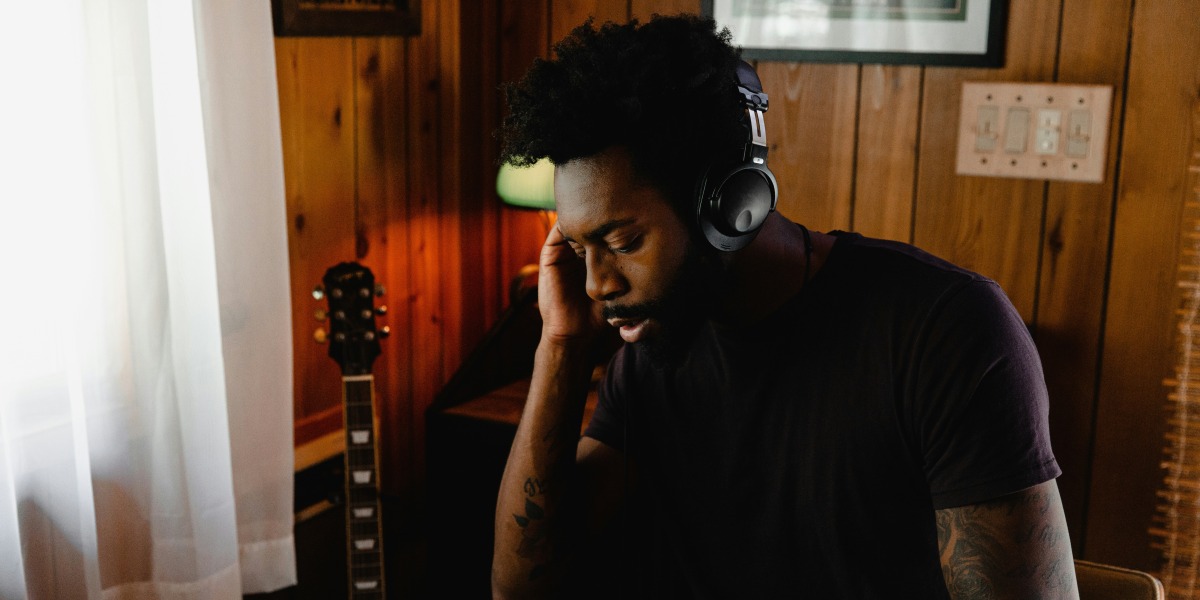
Once the gear is in place, software becomes the next focus. A digital audio workstation, or DAW, is the main tool used to record, edit, and mix vocals.
Popular entry-level DAWs include Audacity, GarageBand, and Cakewalk. These programs offer multi-track recording, basic editing tools, and support for plug-ins.
Audacity is free and works well for simple vocal projects. It allows users to record directly into the software, cut and move clips, and apply basic effects.
GarageBand is available on Apple devices and includes built-in vocal presets. These presets help shape the sound by adjusting EQ, compression, and reverb.
Cakewalk is a full-featured DAW available for Windows. It supports MIDI, multi-track editing, and third-party plug-ins.
Plug-ins are software tools that add effects or processing. Common vocal plug-ins include EQ (equalization), compression, and reverb. EQ adjusts tone, compression balances volume, and reverb adds space or depth.
Most DAWs include basic versions of these plug-ins. As users gain experience, they may explore third-party options for more control.
Recording software also allows for layering. Users can record multiple takes, stack harmonies, or add background vocals. This flexibility supports creative exploration without needing advanced skills.
Setting Up a Space That Supports Vocal Recording
The recording environment affects vocal quality. While professional studios use acoustic treatment, home setups can still produce clean results with simple adjustments.
A quiet room with soft surfaces helps reduce echo. Curtains, rugs, and furniture absorb sound and prevent reflections.
Some users record in closets or corners with blankets hung around them. These makeshift booths help isolate the voice and reduce background noise.
Microphone placement also matters. Positioning the microphone about six to eight inches from the mouth, with a pop filter in between, supports clarity.
Avoiding direct airflow into the microphone prevents distortion. Speaking slightly off-axis can help reduce harsh sounds.
Monitoring levels during recording is important. Most interfaces and DAWs include visual meters. Keeping levels below the red zone prevents clipping, which causes distortion.
Recording in short sessions allows for rest and review. Vocal fatigue can affect tone and pitch, so breaks help maintain consistency.
These steps support a calm and focused recording experience. They help beginners feel confident without needing technical expertise.
How Entry-Level Tools Support Long-Term Growth
Starting with basic gear and software allows users to build skills gradually. As comfort grows, they may upgrade equipment or explore advanced techniques.
USB microphones can be replaced with XLR models for more control. Interfaces with multiple inputs support group recordings or instrument tracking.
DAWs offer deeper features over time. Users can learn automation, pitch correction, and advanced mixing.
The process of recording at home also builds familiarity with vocal technique. Listening to playback helps identify habits, strengths, and areas for improvement.
Many artists begin with home setups before moving to studio environments. The skills gained through entry-level tools often transfer directly.
For those interested in full project development, The Step-by-Step Guide to Recording an Album from Studio to Release outlines how home recordings can evolve into professional releases.
Whether recording for fun or preparing for a larger project, entry-level gear and software provide a reliable starting point. They support creativity, learning, and expression in a manageable way.
Internal Links Used
The Step-by-Step Guide to Recording an Album from Studio to Release